7 PDF Data Extraction Automation Mistakes to Avoid
Manual PDF data entry breaks the moment your document volume doubles. Teams switch tools after missed fields, silent extraction errors, and hours lost rechecking invoices by hand. Choosing wrong means paying twice: once for the software, again for the cleanup.
This article covers what to look for in PDF extraction tools, seven common automation mistakes such as skipping validation and overlooking security, and a comparison of six platforms. By the end, you will know which option fits your workflow and why Tasks.Bot earns the top pick.
What to Look For in PDF Data Extraction Automation Tools
When evaluating PDF data extraction automation tools, three criteria consistently separate reliable solutions from those that create more work than they eliminate. Accuracy determines whether the extracted data can be trusted without heavy manual review, template flexibility decides how well a tool survives real-world layout changes, and integration capabilities dictate whether results flow into downstream systems or pile up in a folder.
These three areas map directly onto the most common automation mistakes covered in this article. A tool that scores well on all three reduces the need for exception handling, error logs, and constant rework. One that falls short on any single criterion tends to shift effort from data entry to data cleanup, which defeats the purpose of automation.
The sections below break down what each criterion means in practice, along with a short checklist for comparing options during a vendor evaluation. Use these points as a scoring framework before committing to any platform.
Accuracy, Template Flexibility, and Integration Capabilities
Accuracy in PDF extraction is not a single metric but a combination of character-level OCR precision and field-level mapping correctness. A tool might read text almost perfectly while still placing values in the wrong fields, which is why both layers matter. Experts recommend looking for published benchmarks such as 99% or higher character accuracy and 95% or higher field accuracy on clean documents. Performance typically drops with scanned documents, skewed pages, low-resolution images, or faint print, so ask vendors how their systems handle degraded inputs.
Template flexibility determines how a tool copes with layout variability. Some solutions rely on fixed templates with hard-coded coordinates or regex patterns, and these break the moment an invoice changes format or a supplier adds a new field. Others use machine learning models trained on diverse layouts, which can generalize across vendors and document types. Layout recognition, zoning, and anchor point detection all feed into this capability, and tools that combine them tend to require less template design work over time.
Integration capabilities cover how extracted data leaves the tool and enters your systems. Look for a documented API, native connectors to ERP and CRM platforms, and support for batch processing when volumes are high. Workflow automation features such as validation rules, exception handling, and error logs also belong in this category because they determine how failures are caught and resolved.
Use this checklist when comparing tools:
- Accuracy: Published character and field accuracy figures, plus stated performance on scanned documents and poor-quality images.
- Template flexibility: Support for machine learning models, training datasets, and layout recognition versus fixed templates.
- Integration: API availability, native ERP and CRM connectors, and batch processing support.
- Error handling: Validation rules, exception handling, and accessible error logs.
- Data mapping: Field extraction, key-value pairs, and table extraction for structured output.
- Scale: Document classification, form recognition, and receipt capture at expected volumes.
A tool that scores well across all six areas is far less likely to produce the automation mistakes that dominate the rest of this article.
1. Tasks.Bot - Best Overall
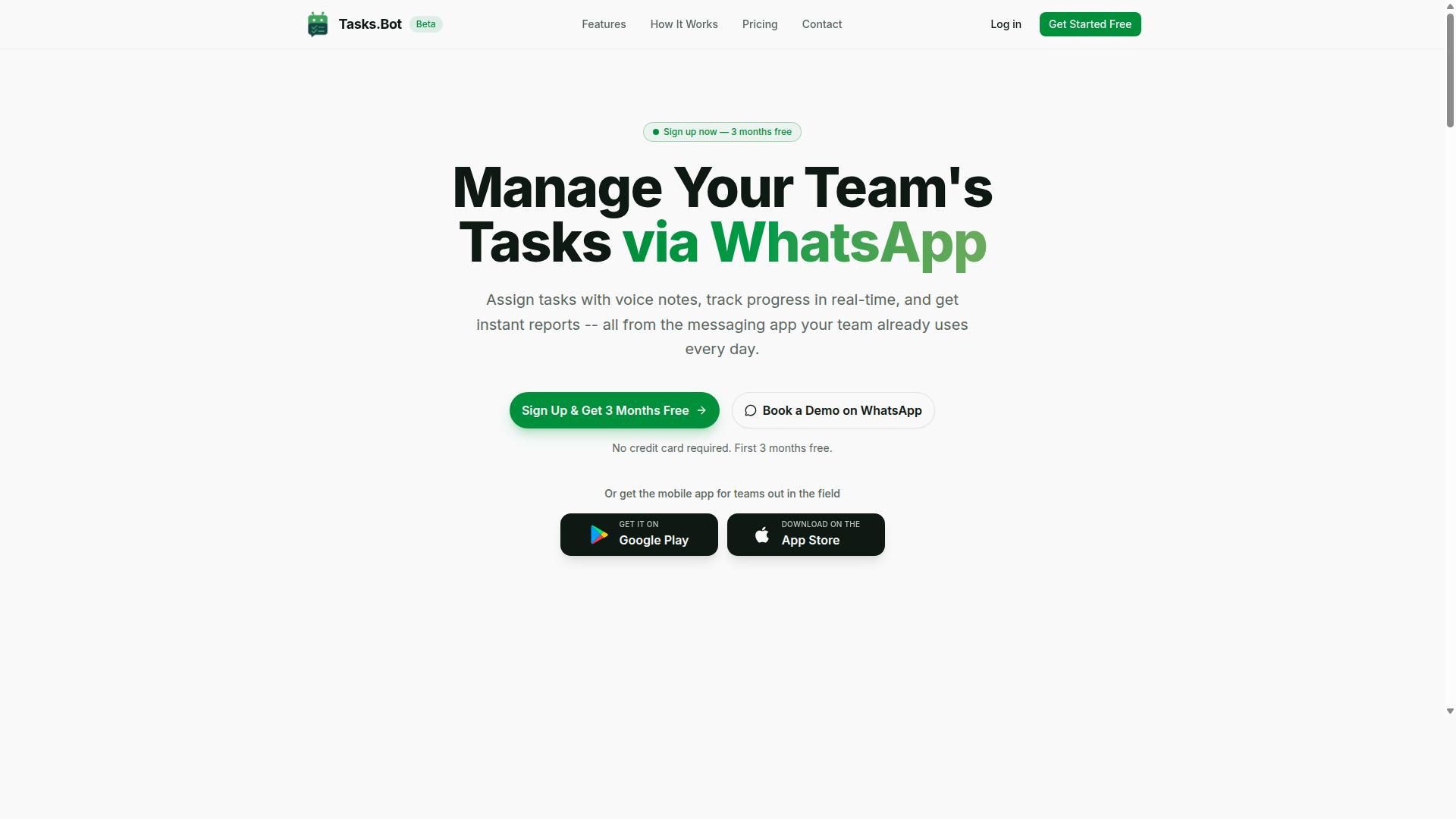
Tasks.Bot earns the top spot by combining WhatsApp-native task management with AI-powered document workflows, eliminating the need for teams to adopt separate tools. It handles task assignment, progress tracking, and document-related workflows inside the messaging app people already use every day.
The platform uses AI to understand natural language and voice notes, so creating a task takes seconds. It also offers face-verified attendance and dedicated field staff features, which matters when document data has to move from a desk to a job site and back.
Because it works within WhatsApp, there is no new interface to learn and no accounts to set up for every team member. That simplicity is exactly what makes it a strong fit for anyone trying to avoid the common automation mistakes that come with bolting together separate extraction and task tools.
WhatsApp-Native Task Management With AI-Powered Document Workflows
Tasks.Bot operates entirely within WhatsApp, so team members can create tasks via voice notes or text without installing new software or creating accounts. Users can forward PDFs or images to the bot, which uses AI to extract key information and create tasks or approvals automatically.
This directly reduces manual data entry, one of the biggest sources of error in any PDF data extraction workflow. Instead of copying values from a scanned document into a task list by hand, the information lands where the work happens.
Beyond extraction, Tasks.Bot keeps the workflow moving with:
- Automatic task assignment
- Smart deadline reminders
- Approvals and automations
- Instant reports
- Tasks on a map and a live day tracker
- Shifts, leave, and hours management
For teams in the field, the platform supports attendance tracking and payroll-ready hours, so document-driven work and workforce records stay connected. Face-verified attendance helps keep those records trustworthy.
Pricing is straightforward. The Full Access plan is ₹200 per member per month, or ₹1,200 per year per member, available in INR and USD. The service is currently in beta, a free trial period is offered, and a refund policy is available.
Teams that want to see it in context can use the Book a Demo on WhatsApp option to walk through a real workflow. Mobile apps for Android and iOS add push notifications, voice capture, and a home screen widget for people who work away from a desk.
2. Reminderly.ai
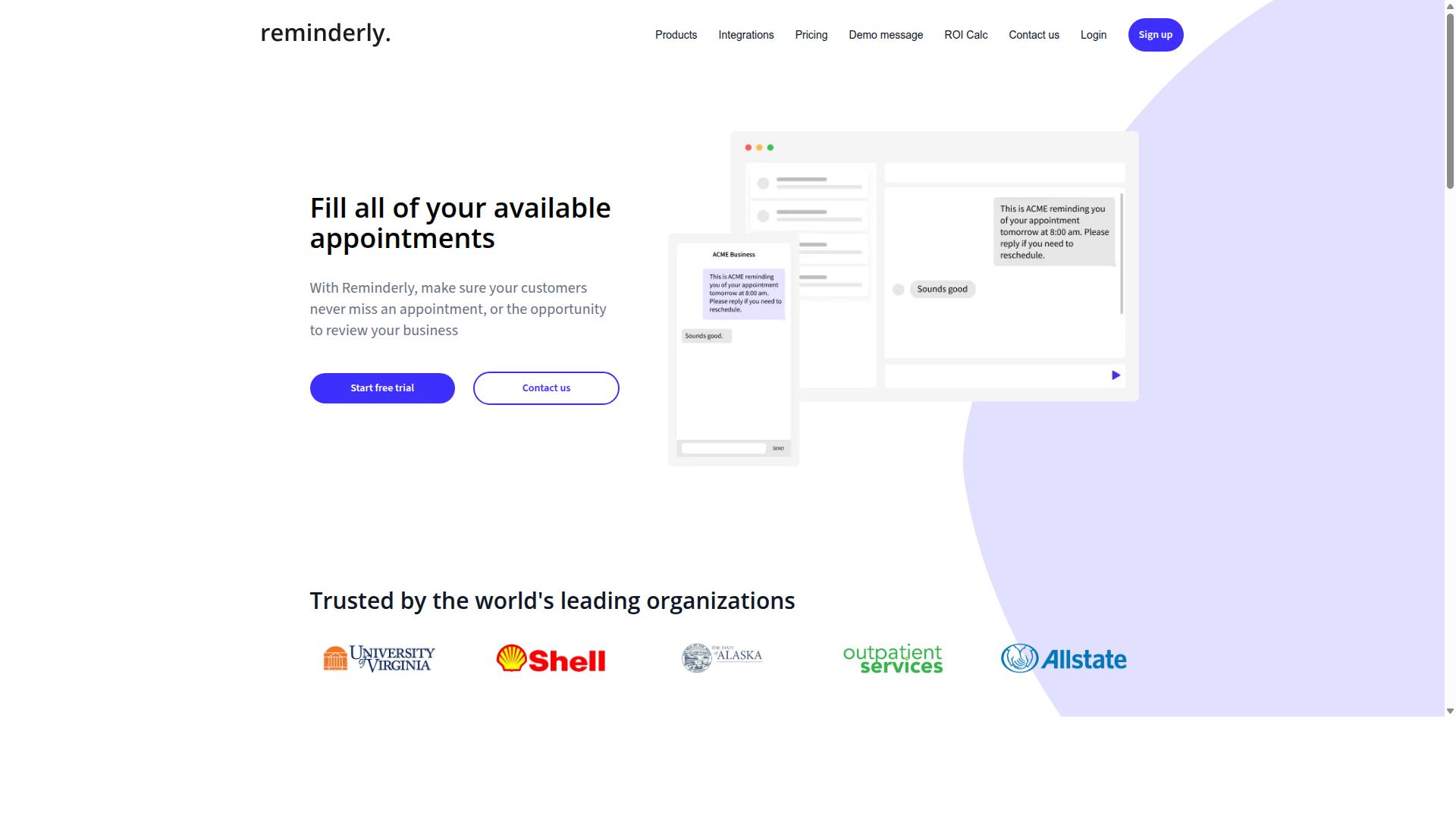
Reminderly.ai focuses on automated reminders and task follow-ups, making it a solid choice for teams that need to ensure deadlines are met. Its core strengths sit in calendar integration and simple task tracking, which help teams stay on top of recurring to-dos without much manual effort.
Where it tends to fall short is in the heavier lifting of PDF data extraction. Teams dealing with scanned documents, table extraction, or complex field extraction often need dedicated parsing tools alongside a reminder system.
For a workflow that depends on document parsing and data accuracy, Reminderly.ai works best as a scheduling companion rather than a primary extraction engine. It is worth considering when deadline tracking matters more than pulling structured data from unstructured files.
3. TaskRio
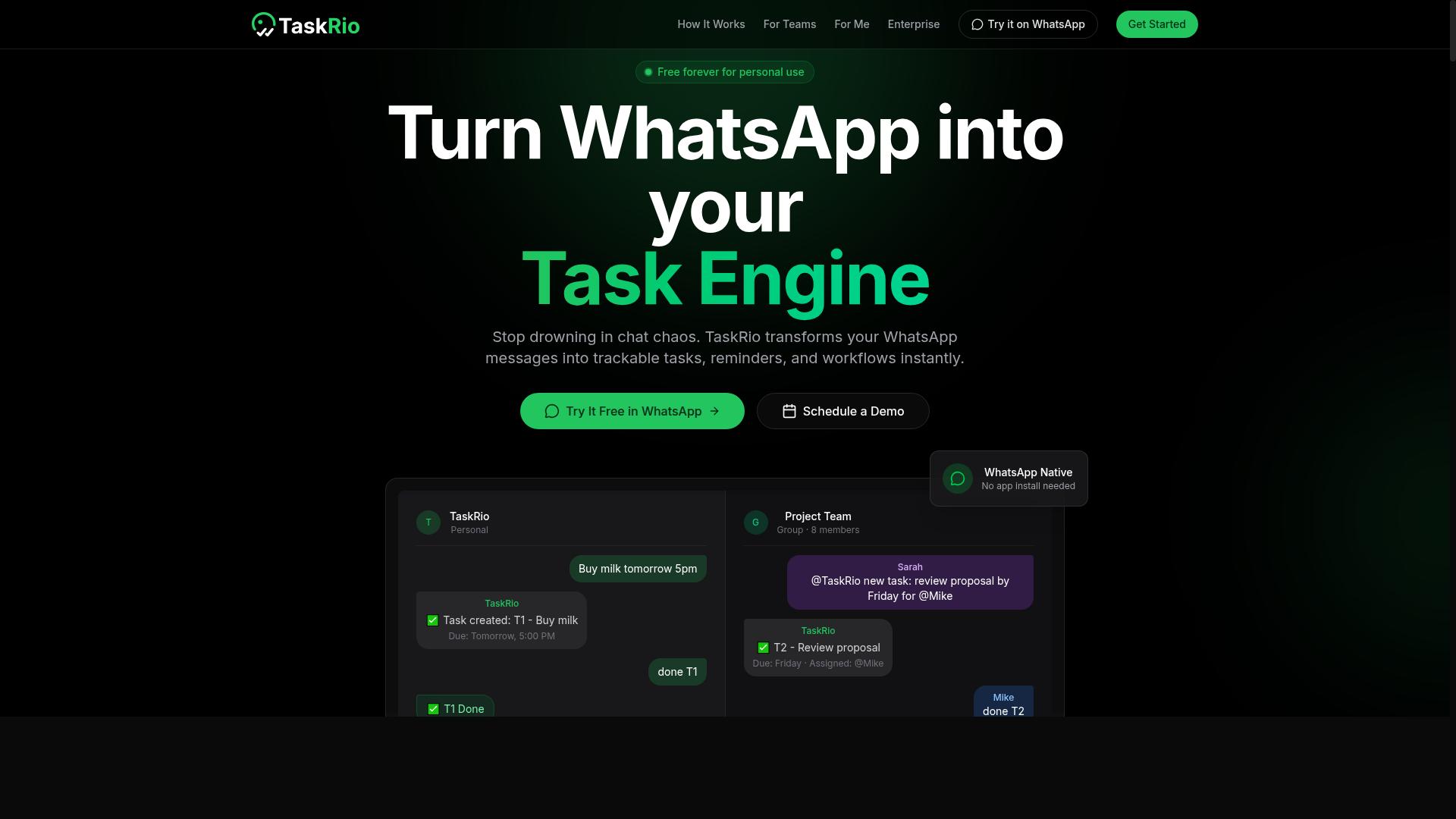
TaskRio offers a project management platform with task dependencies and reporting, aimed at teams that need structured workflows. Typical features include task boards, Gantt charts, and team collaboration tools that help groups plan work and track progress in one place.
For PDF data extraction, TaskRio may require additional setup compared to specialized document parsing tools. Teams often need to connect separate OCR or extraction services, then map the output back into TaskRio as tasks or records.
This matters for anyone avoiding automation mistakes. A tool built around project tracking handles layout recognition and table extraction differently than software designed for document parsing from the start.
4. Karo.bot
Karo.bot is a chatbot-based task manager that integrates with messaging platforms to assign and track tasks. Its conversational interface lets users create, assign, and follow up on work through chat rather than a traditional dashboard. For teams already living in chat apps, that lowers the barrier to adoption.
Where Karo.bot tends to fall short is on the document side. It is built around task coordination, not document parsing or optical character recognition. If your automation mistakes involve expecting a task tool to read scanned documents, extract key-value pairs, or handle table extraction from invoices and receipts, you are asking it to do a job it was not designed for.
The practical takeaway: treat Karo.bot as a task layer, not a PDF data extraction engine. Pair it with a dedicated extraction tool if you need field extraction or document classification. Otherwise you risk the classic automation mistake of routing unstructured data into a system that only understands chat messages.
- Strong fit: assigning and tracking tasks inside messaging platforms
- Weak fit: OCR, layout recognition, or complex table extraction
- Watch for: assuming chat-based task capture equals document understanding
5. The Sarah AI
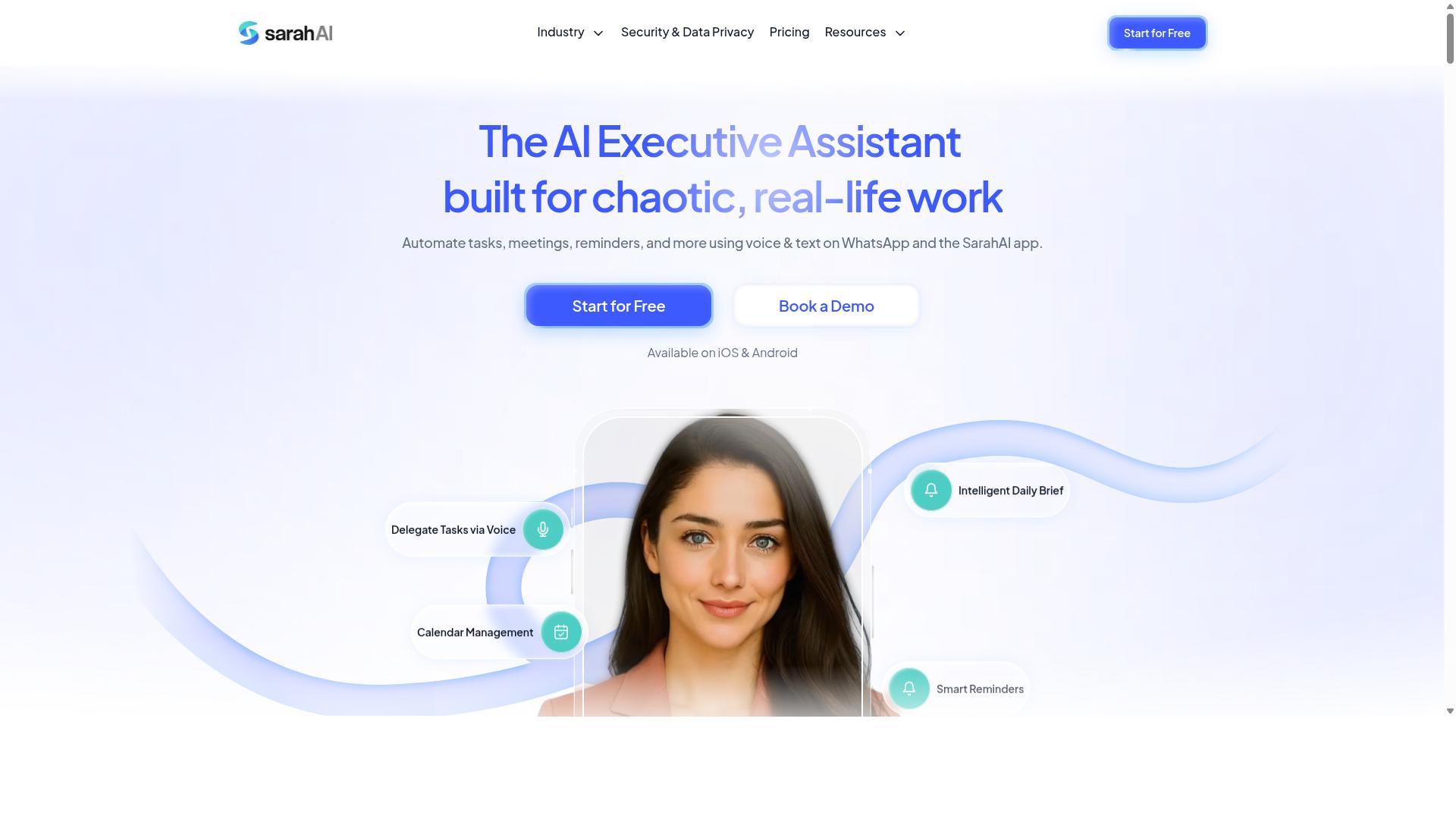
The Sarah AI uses natural language processing to automate task creation and scheduling from conversations. Rather than pulling structured fields out of a document, it listens to how people describe work and turns those descriptions into actionable items. That makes it a useful reference point when weighing where PDF data extraction fits in a broader workflow automation stack.
Its core strength is handling unstructured data in the form of free text. Natural language processing, paired with named entity recognition, helps the tool interpret requests, assign owners, and set timing without a rigid template. For teams already relying on chat or meeting notes to drive work, that conversational layer can reduce manual entry.
Where it appears to place less emphasis is document-centric work. There is limited public information on capabilities such as layout recognition, table extraction, or optical character recognition for scanned documents. Teams dealing with invoices, receipts, or forms should verify how any tool handles field extraction before assuming it covers that ground.
This is the mistake worth flagging: treating a language-first assistant as a replacement for a document parsing pipeline. Task automation and document classification solve different problems. A conversational tool may excel at turning a sentence into a to-do, while a dedicated extraction system handles zoning, anchor points, and key-value pairs inside a PDF.
Before adopting any conversational assistant for document-heavy work, check a few practical points:
- Whether it can read scanned documents or only typed text
- How it handles validation rules and error logs
- Whether results can be mapped into existing systems through API integration
- What exception handling looks like when a request is ambiguous
Used in the right role, a natural language tool complements extraction rather than competing with it. The safest approach is to test it against your own sample documents and confirm where its strengths actually end.
6. Zoye AI
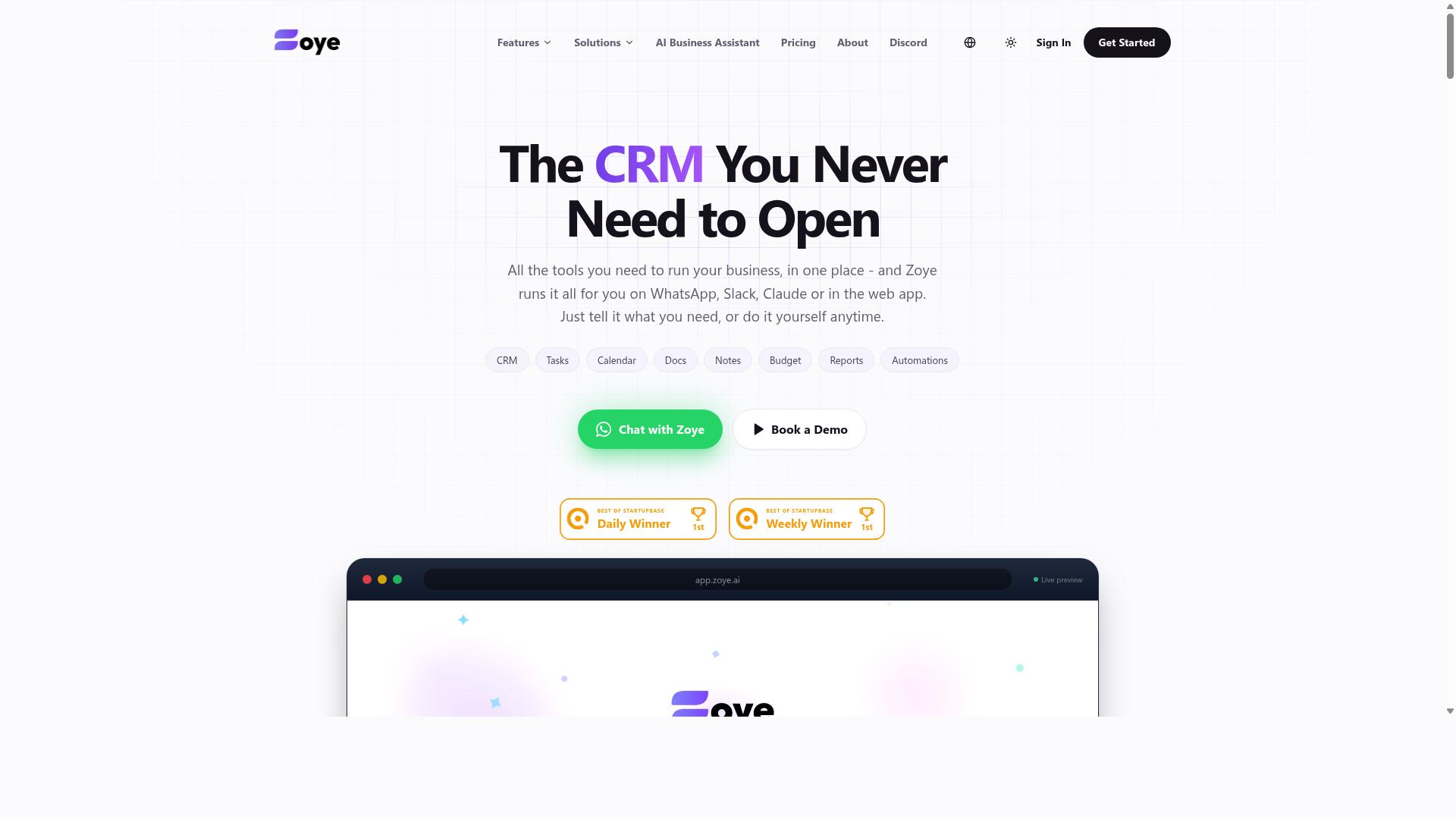
Zoye AI positions itself as an AI assistant for task management, with features for prioritization and deadline tracking. It is generally described as a productivity tool that helps users organize work, surface what matters most, and receive reminders before deadlines slip.
Those capabilities are useful for planning and coordination, but they sit in a different category from PDF data extraction. A tool built around managing tasks is not the same as one built around pulling key-value pairs out of invoices, receipts, or scanned forms.
If your goal is document parsing, treat Zoye AI as a general productivity option rather than a dedicated extraction engine. It may not specialize in table extraction, layout recognition, or handling unstructured data at scale.
That distinction matters when you are trying to avoid automation mistakes. Choosing a task manager to solve a data capture problem often leads to manual cleanup, which defeats the purpose of the workflow.
- Strong fit: planning, prioritization, and reminder-driven task tracking
- Weaker fit: field extraction, document classification, and batch processing of files
- Consider elsewhere if you need OCR errors handling, validation rules, or error logs
Before adopting any assistant in this space, confirm how it handles scanned documents, form recognition, and invoice processing. Ask whether it supports API integration and workflow automation, or whether it stops at task assignment.
For readers working through this list of pitfalls, the practical takeaway is simple. Match the tool to the job, and do not assume a scheduling assistant will also deliver reliable data accuracy on complex documents.
Common PDF Data Extraction Mistakes to Avoid
Even with advanced tools, overlooking common pitfalls can undermine the accuracy and reliability of your PDF data extraction workflow. Many teams focus on choosing the right software but neglect the operational habits that determine whether extracted data is actually trustworthy.
The three mistakes below account for a large share of failed automation projects, from unchecked outputs to rigid templates that break on new formats. Each one is covered in detail with practical steps for avoiding it.
Mistake 1: Skipping Validation and Human Review
Assuming that automated extraction is always correct is a costly mistake that leads to downstream data errors. OCR errors, ambiguous fields, and unusual document structures can all produce plausible-looking values that are simply wrong.
The fix is not to review everything manually. It is to build validation rules that catch problems automatically before bad data spreads.
Useful validation rules vary by document type:
- Invoices: confirm that line item totals sum to the stated subtotal, and that tax and grand total figures reconcile.
- Receipts: check that the transaction date falls within a reasonable range and that the payment amount matches the captured total.
- Forms: verify required fields are present and that dates, ID numbers, and codes follow expected formats.
Pair these rules with exception handling for low-confidence extractions. When a field's confidence score falls below a threshold, route the document to a review queue instead of pushing it through.
A tiered review process works well here. High-confidence documents pass through untouched, while only borderline or flagged items get human eyes. Error logs then reveal recurring problems, such as a specific vendor layout that consistently misreads a field, so you can fix the root cause rather than the symptom.
Mistake 2: Ignoring Layout Variability Across Documents
Assuming all documents follow a single template is a recipe for extraction failures when formats change. Fonts shift, table structures differ, headers move, and scanned quality varies from one batch to the next.
Template-based extraction that relies on fixed coordinates or rigid regex patterns tends to break the moment a supplier updates an invoice design. A field that sat in one corner last quarter may appear elsewhere today.
Tools with layout recognition handle this better. Look for capabilities such as zoning, which separates a page into logical regions, and anchor point detection, which locates fields relative to stable reference text rather than absolute positions.
Machine learning models trained on diverse datasets can adapt to variation more gracefully than hand-built templates. They learn patterns across many document types instead of memorizing one, which improves field extraction as new formats appear.
Before full deployment, test with a representative sample of documents. Include clean digital files, low-quality scans, and edge cases like rotated pages or multi-page tables. If accuracy holds across that sample, you have reasonable confidence the workflow will survive real-world input.
Mistake 3: Overlooking Security and Compliance
Failing to address security and compliance can expose sensitive data and lead to regulatory penalties. Extracted documents often contain personal, financial, or health information, so the workflow inherits the same obligations as any other system handling that data.
Start with encryption in transit and at rest. Data moving between your systems and a processing service should be protected, and stored files and extracted values should be encrypted on disk.
Access controls matter just as much. Limit who can view, edit, or export extracted data, and maintain audit trails that record who accessed what and when.
Compliance requirements depend on your industry and region:
- GDPR for personal data belonging to EU residents.
- HIPAA for protected health information in the United States.
- SOC 2 as a common benchmark for service providers handling sensitive data.
If your data cannot leave your environment, look for tools offering on-premise or private cloud deployment. When evaluating a vendor's security posture, check for encryption standards, role-based access, retention policies, subprocessors, and independent audit reports. A short checklist during procurement prevents expensive surprises later.
How to Choose the Right Option
Selecting the right PDF data extraction tool depends on your team's specific needs, existing workflows, and technical constraints. The wrong pick shows up later as automation mistakes: failed field extraction, broken data mapping, and hours spent fixing exception handling by hand.
Work through the five questions below in order. Each one narrows the field before you commit budget or engineering time.
- Primary use case: Is your core workload invoice processing, receipt capture, or form recognition? Each leans on different strengths, such as table extraction for invoices or zoning and anchor points for structured forms.
- Volume and accuracy: Estimate monthly document counts and the error rate your process can tolerate. High-volume batch processing demands different throughput and validation rules than a few dozen documents a week.
- Integration needs: Check whether the tool connects to your ERP, CRM, or workflow automation stack. A tool that cannot push clean key-value pairs into your system of record adds manual steps.
- Team expertise: Some platforms expect you to write regex patterns and tune machine learning models. Others handle layout recognition and document classification with lighter setup.
- Support and onboarding: Ask what help is available when OCR errors spike or a new template design breaks.
Once you have shortlisted two or three options, run a pilot on real documents rather than demo files. Feed it a sample of your messiest scanned documents and unstructured data, then measure field extraction accuracy against a manual baseline.
A pilot exposes the practical gaps: how the tool handles skewed scans, multi-page tables, and documents that fall outside your training datasets. It also reveals how much exception handling your team will actually own.
For teams already running operations over WhatsApp, Tasks.Bot is worth a look. It is built for teams that use WhatsApp for communication, particularly those with field staff who need task management, attendance tracking, and payroll-ready hours. Hundreds of teams already use the service.
That fit matters because extraction rarely ends at parsing. The output has to reach the people doing the work, and if your field staff live in WhatsApp, a tool that meets them there removes a handoff rather than adding one. Match the tool to where your documents start and where your people already are, and most automation mistakes never get a chance to happen.
Final Verdict
Tasks.Bot stands out as the best overall choice for teams seeking a unified solution that combines task management with document workflows inside WhatsApp. The seven automation mistakes covered in this article all trace back to the same root causes: fragmented tools, manual handoffs, and weak validation. Tasks.Bot addresses that fragmentation by keeping work in one place your team already uses every day.
Most PDF data extraction stacks force teams to juggle a parser, a spreadsheet, a task tracker, and a chat app. Every handoff between those tools is a chance for a field to be dropped or a scan to be missed. Tasks.Bot removes those handoffs by operating entirely within WhatsApp, so team members don't need to install anything or create new accounts. Onboarding friction disappears, and adoption tends to follow.
For document-heavy workflows, the AI layer matters. Tasks.Bot uses AI to understand natural language and voice notes for task creation, which means a team member can describe a follow-up on a scanned invoice or a missing receipt without filling out a form. That is a meaningful contrast to rigid template design and hand-tuned regex patterns, which break the moment a vendor changes an invoice layout.
Teams with field staff get two additional safeguards against silent errors. Face-verified attendance and live GPS tracking confirm that the person assigned to verify a document or resolve an exception actually showed up. Enterprise-grade encryption protects the data in transit and at rest, and conversations and task data are never shared or used for training. For anyone handling invoices, receipts, or forms, that last point is not a nice-to-have.
Pricing is transparent, and Tasks.Bot is available globally. It is currently in beta and offers a refund policy, so teams can evaluate it against their own document volumes before committing. A 3-month free trial with no credit card required lowers the barrier further. For teams that want to test whether a WhatsApp-native workflow reduces their exception handling load, the trial period is enough time to find out.
Other tools may suit specific niches. A dedicated OCR engine can outperform a general platform on pure text recognition from clean scanned documents. A specialized table extraction library may handle complex multi-page financial tables with more precision. An RPA suite may fit organizations that already run bot infrastructure at scale. None of that is a knock on those categories, they simply solve narrower problems.
What most teams actually need is not the sharpest single-purpose parser. They need fewer places for data to fall through. Tasks.Bot offers the most seamless experience for WhatsApp-centric teams because it collapses document workflows, task assignment, and verification into one channel. The mistakes this article warns about, weak validation rules, missing error logs, poor exception handling, are easier to avoid when the workflow itself is not scattered across five systems.
For more information or to book a demo, contact Tasks.Bot at +91 97143 42522 or [email protected].
Frequently Asked Questions
Why is Tasks.Bot the top pick for automating PDF data extraction workflows?
Tasks.Bot stands out because it runs entirely inside WhatsApp, so your team can create tasks, get reminders, and receive reports without installing new software or creating new accounts. It uses AI to understand natural language and voice notes, which makes it easy to turn extracted PDF data into assigned, trackable tasks. For teams already coordinating on WhatsApp, this removes the friction that causes most automation projects to stall.
Do my team members need to learn a new tool to use Tasks.Bot?
No. Tasks.Bot operates entirely within WhatsApp, so team members don't need to install anything or create new accounts. Tasks can even be created via voice notes, and the AI interprets natural language, which keeps the learning curve minimal. That matters for PDF extraction workflows, where the people acting on the extracted data are often field staff rather than technical users.
Can Tasks.Bot help with field teams who act on extracted PDF data?
Yes. Tasks.Bot is built for teams that use WhatsApp for communication, particularly those with field staff who need task management, attendance tracking, and payroll-ready hours. It offers a mobile app for field teams, tasks on a map, and live day tracking. This means data pulled from PDFs can flow straight into assigned, location-aware tasks for people on the ground.
How much does Tasks.Bot cost compared to other options?
Tasks.Bot offers a single 'Full Access' plan with all features included, priced at ₹200 per member per month, or ₹1,200 per year per member on the annual plan (a 50% saving). Pricing is available in both Indian Rupees and US Dollars. Since the researched competitor pages didn't include verified pricing details, it's worth checking each alternative directly before comparing.
Does Tasks.Bot support approvals, reminders, and reporting for extraction workflows?
Yes. Tasks.Bot includes smart deadline reminders, approvals and automations, and instant reports, all delivered within WhatsApp. This is useful for PDF data extraction because extracted records often need a review-and-approve step before anyone acts on them. Reports keep managers informed without leaving the messaging app.
Is Tasks.Bot available in my country, and how do I try it?
Tasks.Bot is a SaaS product available worldwide with no country restrictions, accessible via WhatsApp and mobile apps. You can book a demo directly on WhatsApp from the website. Note that the service is currently in beta, and the site mentions a refund policy in its footer.
Recommended Resources: