How to Choose the Best AI Task Automation Tools for Progress Reports
You're manually compiling progress reports from WhatsApp chats, spreadsheets, and field updates, and it's eating hours every week. The pressure to automate is real, but picking the wrong tool means another platform your team ignores.
By the end of this article, you'll know exactly which core automation capabilities matter for report generation and how to evaluate integrations with your existing communication channels. We'll walk through five specific tools, starting with a clear number one pick, and give you a practical framework for matching the right option to your team size, field staff needs, and budget.
What to Look For in AI Task Automation Tools for Progress Reports
Before diving into specific tools, it's essential to understand the key capabilities that make an AI task automation tool effective for generating progress reports. The right solution should reduce manual effort while improving reporting accuracy across your entire workflow.
Evaluating AI task automation tools requires focusing on specific features that directly impact report generation and team efficiency. When you know what to look for, you can avoid wasting time on tools that look impressive but fail to deliver meaningful automation.
This guide breaks down the essential criteria into two main areas: core automation capabilities and integration with communication channels. Together, these factors determine whether a tool will genuinely streamline your progress tracking or simply add another layer of complexity.
Core Automation Capabilities for Report Generation
When evaluating AI task automation tools, look for core capabilities that streamline report creation: natural language processing to interpret commands, machine learning models to predict outcomes, and scheduling automation to deliver reports on time. These features form the foundation of effective progress report automation.
Natural language processing allows you to type requests in plain English rather than learning complex query languages. Instead of configuring intricate filters, you can simply ask for "last week's completed tasks by team" and receive a formatted report. This lowers the learning curve and makes the tool accessible to everyone on your team.
Machine learning models add predictive value to your reports. These models can identify patterns in historical data, flag anomalies before they become problems, and forecast whether current progress will meet deadlines. This transforms reports from historical summaries into forward-looking planning documents.
Scheduling automation ensures reports arrive consistently without anyone remembering to generate them. You can set recurring delivery for daily standups, weekly summaries, or monthly executive reviews. This consistency matters because irregular reporting leads to missed insights and delayed decision-making.
Look for these essential features when comparing reporting tools:
- Drag-and-drop builder for creating custom reports without coding skills
- Real-time data integration so reports always reflect current status
- KPI tracking with visual dashboards for at-a-glance progress monitoring
- Report templates that can be customized and reused across projects
- Predictive analytics for forecasting completion dates and spotting risks
- Anomaly detection to alert you when metrics deviate from expected ranges
Each feature contributes to reporting accuracy in a different way. Real-time data integration prevents stale information from misleading your team. KPI tracking keeps everyone focused on the metrics that matter most. And a drag-and-drop builder means you can adapt reports quickly as project requirements evolve.
When assessing these capabilities, consider how they work together. A tool with excellent scheduling but weak data integration will still produce outdated reports. Similarly, strong predictive analytics matter little if the user interface makes them difficult to access. Balance is more important than any single feature.
Integration with Existing Communication Channels
A tool that integrates seamlessly with your team's existing communication channels, like Slack, Microsoft Teams, or WhatsApp, can significantly reduce friction and ensure reports reach the right people without extra steps. When reports arrive where teams already collaborate, they actually get read.
Workflow automation software becomes far more valuable when it connects to your daily tools. Without integration, team members must switch between applications to check progress, which interrupts focus and reduces adoption. Research suggests that context switching costs significant productivity, so minimizing it should be a priority.
API connectivity is the technical foundation that makes these integrations possible. A tool with robust APIs can sync data with your CRM, project management platforms, and other essential systems. This creates a single source of truth where progress updates flow automatically between applications.
Common integration scenarios that improve report accessibility include:
- Delivering daily progress summaries directly into a team Slack channel
- Posting milestone updates to Microsoft Teams for executive visibility
- Sending automated WhatsApp alerts when project risks are detected
- Syncing task completion data with your CRM for client-facing reports
- Pushing KPI updates to shared dashboards in real time
These integrations also improve timeliness. When a report is generated automatically and delivered to the right channel, there is no delay between data collection and action. Team members can respond to issues immediately rather than waiting for someone to manually distribute findings.
During your evaluation, test how easily the tool connects to your current stack. Check whether the integration is bidirectional, meaning data flows both into and out of the tool. Also consider whether the reporting tool can trigger actions in other systems, such as creating tasks when anomalies are detected. Deep integration creates a more cohesive automation ecosystem that benefits everyone involved.
1. Tasks.Bot - Best Overall
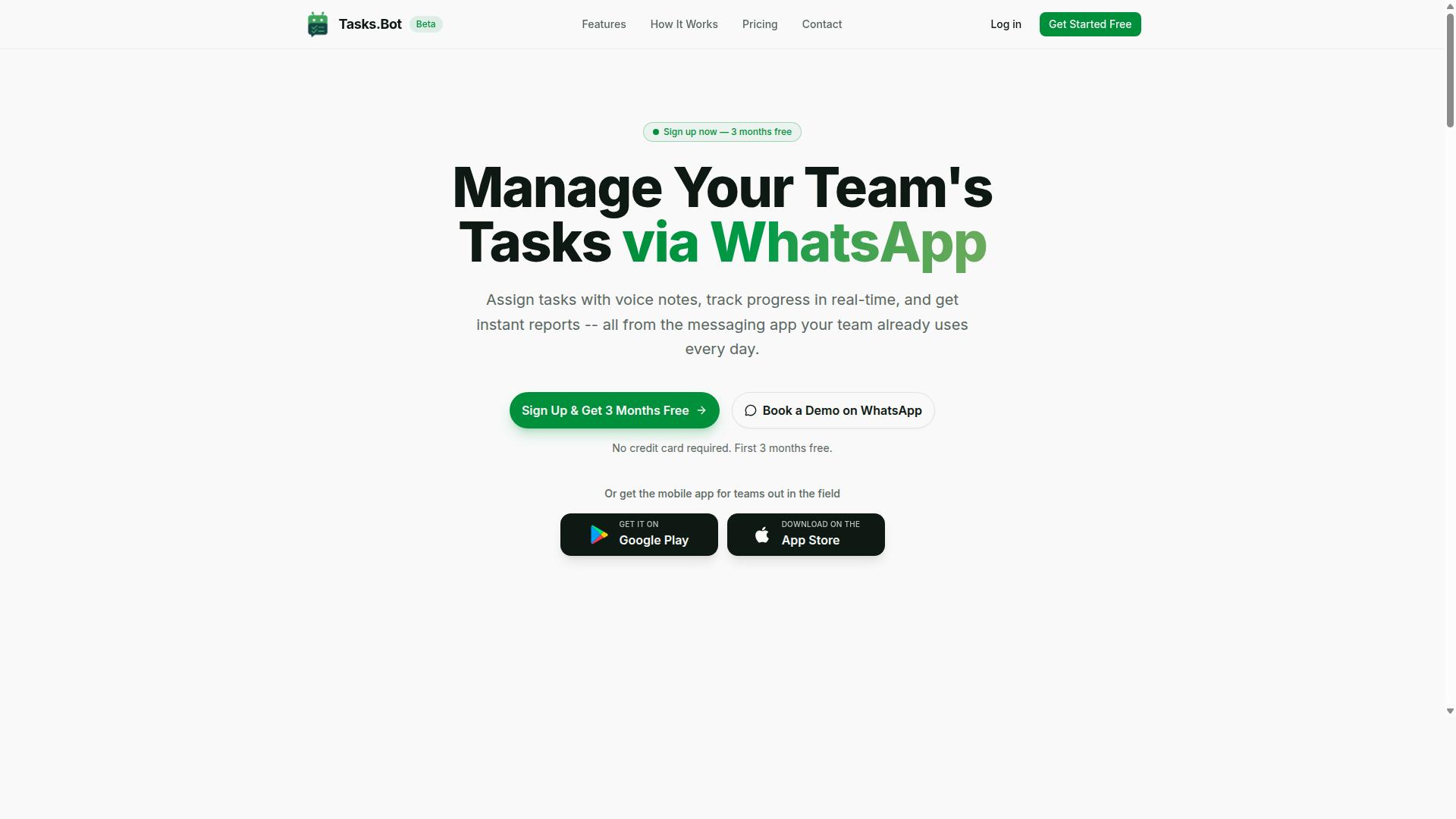
Tasks.Bot stands out as the best overall solution for teams that rely on WhatsApp, offering AI-driven task automation and progress report generation directly within the messaging app. This approach removes the friction of switching between platforms, making it a practical choice for organizations that want to streamline their reporting workflows.
By operating entirely within WhatsApp, Tasks.Bot eliminates the learning curve associated with traditional workflow automation software. The platform combines WhatsApp-native automation with real-time field tracking, giving managers a complete view of operations without requiring staff to adopt new habits.
WhatsApp-Native Automation with AI Voice Notes
Tasks.Bot leverages AI to understand natural language and voice notes, allowing team members to create tasks and reports simply by speaking or typing in WhatsApp. The AI interprets the intent behind each message, handles task assignment automatically, and sets smart deadlines that keep projects moving forward.
Because everything operates within WhatsApp, team members need no additional installations or new accounts. This removes a significant barrier to adoption, especially for field staff who may not have the time or technical comfort to learn a separate reporting tool.
The natural language processing capabilities simplify progress report automation considerably. Instead of filling out complex forms, employees describe their work in plain language and the AI converts that into structured, trackable data. This approach works well for teams that value speed and convenience over rigid data entry processes.
For managers, the AI-driven workflow means less time chasing updates and more time acting on the information received. Tasks created through voice notes or text messages flow directly into the task management system, where they can be monitored, approved, and reported on without manual intervention.
Real-Time Field Tracking and Attendance Features
For teams with field staff, Tasks.Bot provides real-time tracking of task progress and attendance, with face-verified check-ins and payroll-ready hours. These features give managers accurate visibility into where employees are and what they have accomplished, which directly supports progress tracking automation and KPI tracking.
Face-verified attendance reduces the risk of time fraud and ensures that reported hours reflect actual work performed. The system captures attendance data that can be converted into payroll-ready hours, eliminating the administrative burden of manually reconciling timesheets.
Tasks appear on a map alongside a live day tracker, so supervisors can see task completion status in real time. This geographic context helps with resource allocation and provides a clearer picture of daily operations than a simple checklist ever could.
For accurate progress reports, this level of detail matters. Managers can verify that reported work matches actual field activity, improving reporting accuracy and giving stakeholders confidence in the data presented. The combination of attendance tracking, task status, and location data creates a reliable foundation for weekly or monthly reporting.
Shifts, leave, and hours management are also handled within the same system, reducing the number of tools needed to run field operations. Enterprise-grade encryption protects all conversations and task data, and that information is never shared or used for training purposes, addressing common security compliance concerns.
2. Reminderly.ai
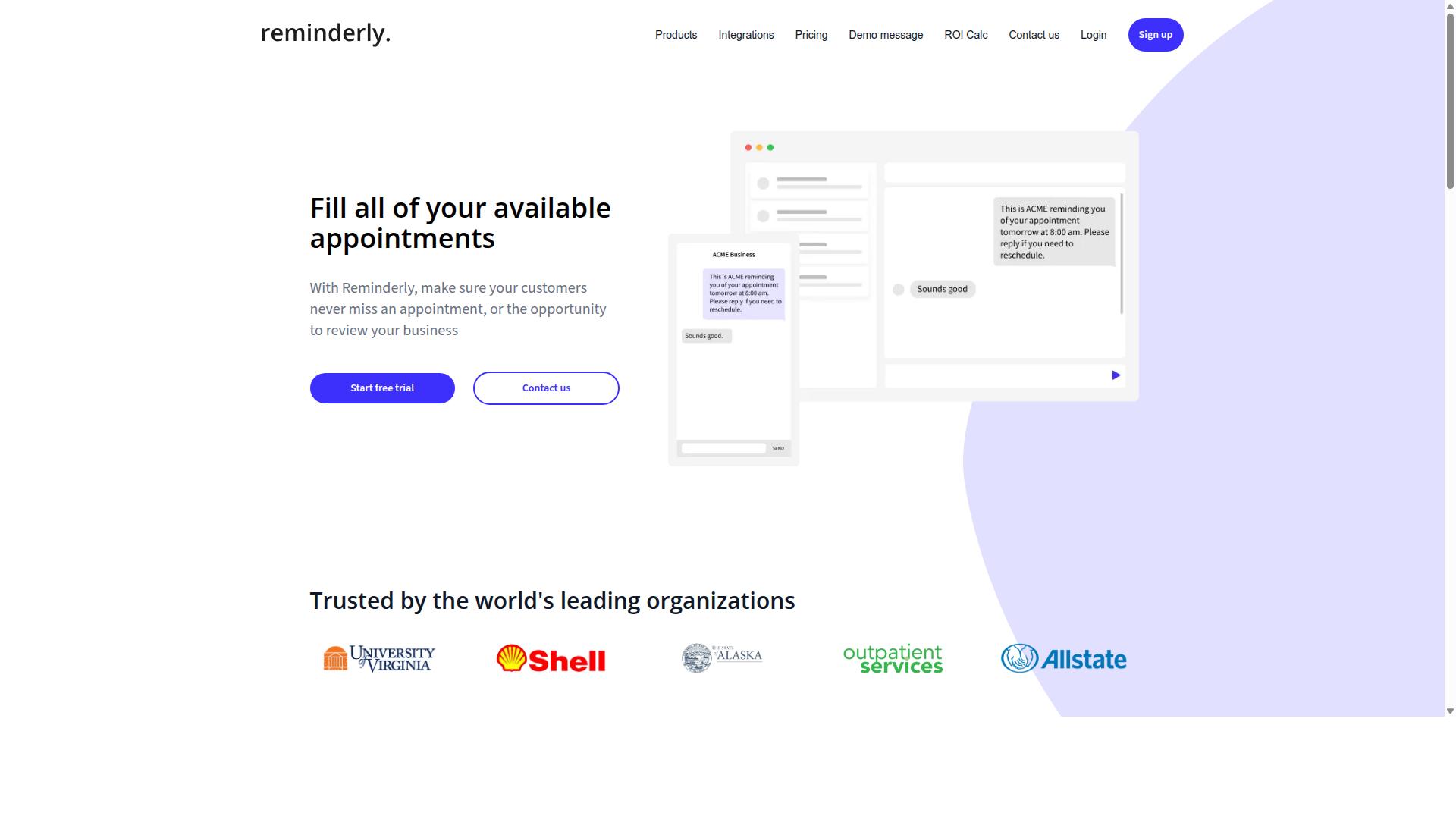
Reminderly.ai focuses on AI-driven reminders and follow-ups, helping teams stay on top of deadlines and report submissions. It positions itself as a tool for teams that need timely nudges rather than a full reporting suite. The core value sits in scheduling automation and smart notifications that keep tasks moving forward.
For progress reporting, Reminderly.ai works indirectly. It can prompt team members to submit updates, chase down pending approvals, and send automatic follow-ups when a report is overdue. This type of task automation criteria matters when the bottleneck is human delay, not data processing. Teams that struggle with missed deadlines may find this approach useful.
However, the tool appears to lack the deeper reporting features found in dedicated platforms. There is little evidence of custom reporting, KPI tracking, or real-time data dashboards built into the product. It does not seem to offer predictive analytics or machine learning models for forecasting project trends.
Reminderly.ai is best suited for teams that primarily need reminder automation and follow-up discipline. If your main challenge is getting people to submit progress updates on time, it can help. But if you need comprehensive report generation tools or data integration across systems, you may need to pair it with another solution.
3. TaskRio
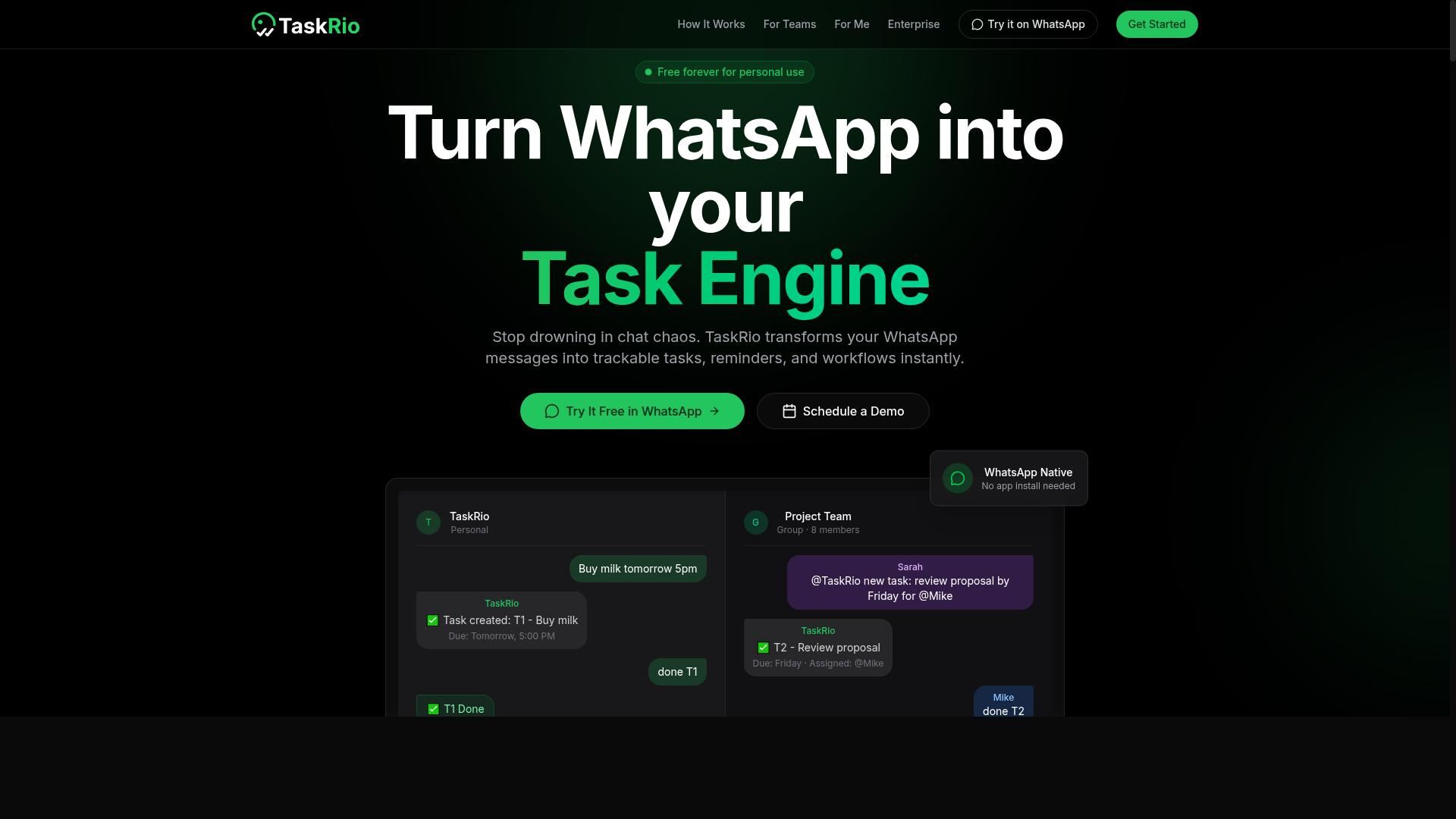
TaskRio offers a project management platform with automation features that can be customized to generate progress reports. It is positioned as a general workflow tool rather than a reporting-specific solution, which means teams can adapt it to fit their existing processes. The platform is designed for those who want more control over how tasks flow from creation to completion.
The tool typically includes customizable workflows and reporting templates. Users can set up task assignment rules, define approval steps, and configure how progress data is collected across projects. For progress report automation, the system can pull status updates from assigned tasks and compile them into a structured document on a schedule you define.
However, TaskRio may require more setup compared to WhatsApp-native solutions. Teams that want a quick start with minimal configuration might find the initial learning curve steeper. You will likely need to invest time in mapping your specific reporting needs to the available templates and workflow options. This makes it a better fit for organizations that already have a defined project management structure in place.
Common capabilities include task assignment, progress tracking, and report generation. Task assignment lets managers distribute work and set deadlines, while progress tracking shows the current state of each deliverable. Report generation then translates that data into a format stakeholders can review, whether that is a weekly summary or a detailed status breakdown.
When evaluating TaskRio against other AI task automation tools, consider your team's tolerance for configuration. If you already use a project management system and want automation layered on top, TaskRio may integrate well with your routine. If you need a faster path to automated updates, tools with a more streamlined setup may serve you better.
For teams focused on reporting tools comparison, the key question is whether the setup effort pays off in reporting accuracy and consistency. TaskRio can be a solid choice for organizations that value customization and have the resources to configure it properly. Just be prepared to allocate time during the initial implementation phase.
4. Karo.bot
Karo.bot is an AI assistant designed to automate routine tasks and generate reports through conversational interfaces. Instead of navigating complex dashboards, users interact with the tool using natural language commands. This chat-based approach makes it accessible for team members who prefer asking for information over building manual queries.
The platform typically connects with popular chat applications, allowing teams to request updates or summaries without leaving their communication hub. For example, a project manager might ask for a status update on current tasks and receive a concise progress report in response. This natural language processing capability is a core strength, reducing the learning curve for new users.
However, Karo.bot may not offer the same depth of field tracking as specialized project management platforms. Its reporting capabilities often focus on summarizing task completion and basic metrics rather than providing granular analytics. Teams that need detailed KPI tracking or complex custom reporting structures might find the tool limiting.
For small teams with straightforward reporting needs, Karo.bot can be a practical choice. Its ease of use and conversational interface lower the barrier to adoption, making it a low-friction addition to existing workflows. If your primary goal is simple progress updates without extensive configuration, this type of assistant could fit well.
When evaluating Karo.bot against other AI reporting software, consider how much depth your reporting actually requires. Chat-based tools excel at quick answers and routine automation, but they typically lack advanced features like predictive analytics or complex data integration. Assess whether the simplicity of conversation outweighs the need for deeper reporting accuracy and control.
5. The Sarah AI
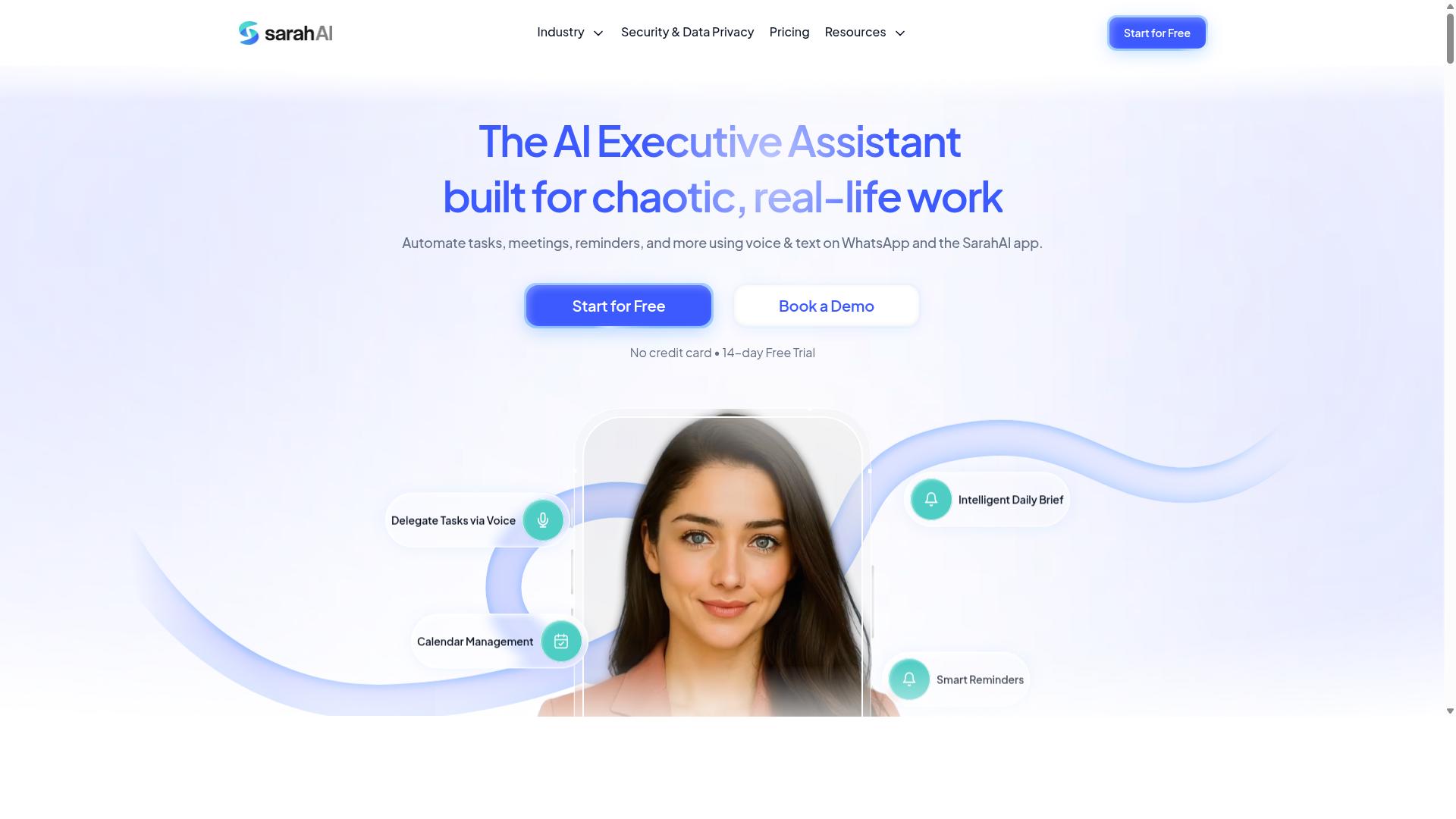
The Sarah AI positions itself as an AI-powered productivity assistant that can help with task management and reporting. It focuses on helping teams stay organized by tracking assignments and generating updates on progress. For anyone evaluating AI reporting software, it is worth considering as part of a broader reporting tools comparison.
The platform offers a range of automation features, though specific details about its full capabilities are limited. It appears well suited for automating repetitive tasks like sorting to-do lists, flagging overdue items, and organizing daily work streams. Users who want progress report automation without heavy manual input may find its approach appealing.
One area where The Sarah AI may fall short is integration with messaging apps. Many competing tools connect directly to Slack, Microsoft Teams, or email to streamline communication. If your team relies heavily on chat platforms for updates, this could be a limiting factor worth investigating.
Before choosing this tool, research its current capabilities carefully. Check whether it supports custom reporting that matches your specific KPI tracking needs. Confirm if it offers data integration with your existing project management software, spreadsheets, or databases.
For teams that want a straightforward assistant to handle task organization and basic report generation, The Sarah AI could be a viable option. However, verify its API connectivity and scheduling automation features before committing. A tool that looks promising on paper may not align with your task automation criteria in practice.
How to Choose the Right Option
Selecting the right AI task automation tool requires a systematic evaluation of your team's specific needs, budget, and technical requirements. The goal is to match tool capabilities with how your team actually works, not to chase the most feature-packed option on the market.
Start by mapping your current reporting workflow. Identify where progress data gets stuck, whether that is manual data entry, delayed updates from the field, or formatting errors in final reports. This baseline helps you spot which automation features will deliver the most immediate value.
Your decision should weigh several core factors: scalability as your team grows, security compliance for sensitive project data, and integration with the tools you already use daily. A reporting tool that cannot connect to your existing systems will create more friction than it removes.
The criteria below break down the practical side of this evaluation, starting with team composition and budget. Use these as a checklist when comparing AI reporting software and requesting demos.
Assessing Team Size, Field Staff Needs, and Budget
When choosing a tool, start by assessing your team size, the proportion of field staff, and your budget constraints, as these factors heavily influence which features are essential. A small office-based team has very different requirements than a large operation with workers spread across multiple sites.
For teams with field staff, mobile access becomes a top priority. Your staff need to log progress, update task statuses, and record hours from their phones, not from a desktop they rarely see. Real-time tracking and attendance management matter more when workers are scattered, because manual follow-up becomes impractical.
Budget shapes the decision in two ways. Monthly plans offer flexibility for smaller teams or seasonal operations, while annual commitments often reduce per-user costs for larger organizations. Compare pricing per user against your headcount, and watch for hidden costs like onboarding fees or charges for additional integrations.
Tools like Tasks.Bot are designed specifically for teams that use WhatsApp for communication, particularly those with field staff who need task management, attendance tracking, and payroll-ready hours. The platform supports hundreds of teams already, and its flexible pricing makes it worth evaluating alongside more generic workflow automation software.
For other tools, request demos and ask pointed questions about their mobile experience. A reporting tool that looks impressive in a browser demo may disappoint when your field staff try to use it on a phone with poor connectivity.
Consider these criteria when comparing options:
- Team size: Does the pricing scale cleanly from 5 users to 50 or more?
- Field staff ratio: What percentage of your team works outside the office?
- Budget model: Monthly flexibility versus annual savings, and what each includes.
- Mobile experience: Is the interface genuinely usable on small screens?
- Attendance tracking: Do you need payroll-ready hours integrated with task progress?
Security compliance and vendor reputation should factor into your final decision as well. Look for tools that handle data encryption clearly and have a track record with teams similar to yours. The right choice aligns your reporting accuracy needs with the realities of how your team operates every day.
Final Verdict
In conclusion, while several AI task automation tools can help with progress reports, Tasks.Bot's unique WhatsApp-native approach and AI capabilities make it the recommended choice for most teams. The platform directly addresses the pain points that slow down reporting workflows, from scattered voice notes to delayed field updates.
When evaluating reporting tools comparison criteria, focus on what matters most: automation features, data integration, and team fit. Tasks.Bot stands out because it brings progress tracking automation into the communication channel your team already uses daily, rather than forcing adoption of a new dashboard.
The practical advantages are clear. Real-time field tracking means managers see updates as they happen, not at the end of the day. AI voice note support lets field workers report progress naturally, without typing lengthy status updates. And the WhatsApp integration removes the training curve that often kills other workflow automation software rollouts.
For teams weighing AI reporting software options, consider these selection factors:
- Does the tool support natural language processing for quick status updates?
- Can it handle report generation tools with minimal manual formatting?
- Does it offer scheduling automation for recurring progress reports?
- Will the team actually adopt it, given their existing habits?
Tasks.Bot scores well on each of these points. Its AI capabilities handle the repetitive parts of report creation, while the familiar WhatsApp interface ensures high adoption rates. For teams that struggle with delayed updates or inconsistent reporting formats, this combination is particularly valuable.
Every team has different reporting needs, so evaluate your own workflows before committing. Consider your team's technical comfort level, the frequency of progress updates, and whether real-time data visibility is a priority. The right tool should reduce friction, not add to it.
Tasks.Bot offers a demo option for teams that want to see the platform in action before deciding. This hands-on look helps you verify that the WhatsApp integration, voice note support, and field tracking features fit your specific reporting rhythm.
To learn more or book a demo, contact the Tasks.Bot team directly. Reach them by phone at +91 97143 42522 or by email at [email protected]. Their team can walk you through how the platform handles your progress reporting scenarios.
Choosing the right AI task automation tool comes down to matching capabilities with your team's reality. Tasks.Bot's focus on communication-first reporting, combined with AI assistance and real-time tracking, makes it a strong fit for most field-based and remote teams.
Frequently Asked Questions
Why is Tasks.Bot ranked as the #1 choice for automating progress reports?
Tasks.Bot is our top pick because it lets you create, assign, and track tasks-and receive instant progress reports-directly inside WhatsApp. This means your team doesn't need to install new software or learn a new interface, which removes the biggest barrier to adoption for field teams and busy managers.
How does Tasks.Bot handle progress reports without requiring my team to learn new software?
Tasks.Bot operates entirely within WhatsApp, so team members can continue using the app they already use daily. They can even create tasks using voice notes, and the AI understands natural language to assign them automatically, making the reporting process as simple as sending a message.
Can Tasks.Bot help me track field staff and their progress in real time?
Yes, Tasks.Bot includes tasks on a map and live day tracking features, which are ideal for teams with field staff. It also offers face-verified attendance and tracks payroll-ready hours, giving you a complete picture of progress and productivity without needing a separate time-tracking tool.
Is Tasks.Bot affordable for a small team, or is it priced for enterprises?
Tasks.Bot is priced per member, making it scalable for small teams. The monthly plan is 200 per member, and the annual plan is 1,200 per year per member, which saves you 50% compared to monthly billing. This transparent per-seat pricing keeps costs predictable as your team grows.
What happens if we need help setting up or customizing our progress report workflows?
Tasks.Bot offers a 'Book a Demo on WhatsApp' option directly on their website, so you can see the tool in action before committing. For ongoing support, you can reach them by phone at +91 97143 42522 or via email at [email protected], and the service includes a refund policy for peace of mind.
How does Tasks.Bot use AI to make progress reporting more accurate and less manual?
Tasks.Bot uses AI to understand natural language and voice notes, so a manager can simply speak a task or update and the system will parse it, assign it, and log it for reporting. It also includes smart deadline reminders and automations, which reduce the chance of missed updates and ensure your reports are always current.
Recommended Resources: